
From Capture to Final Image
Photo Retouching
Here’s where the magic happens. Skin is refined, color is balanced, distractions disappear, and the strongest parts of the photograph come forward. Some images need a light touch. Others need a full transformation. The result should feel polished, intentional, and completely believable.
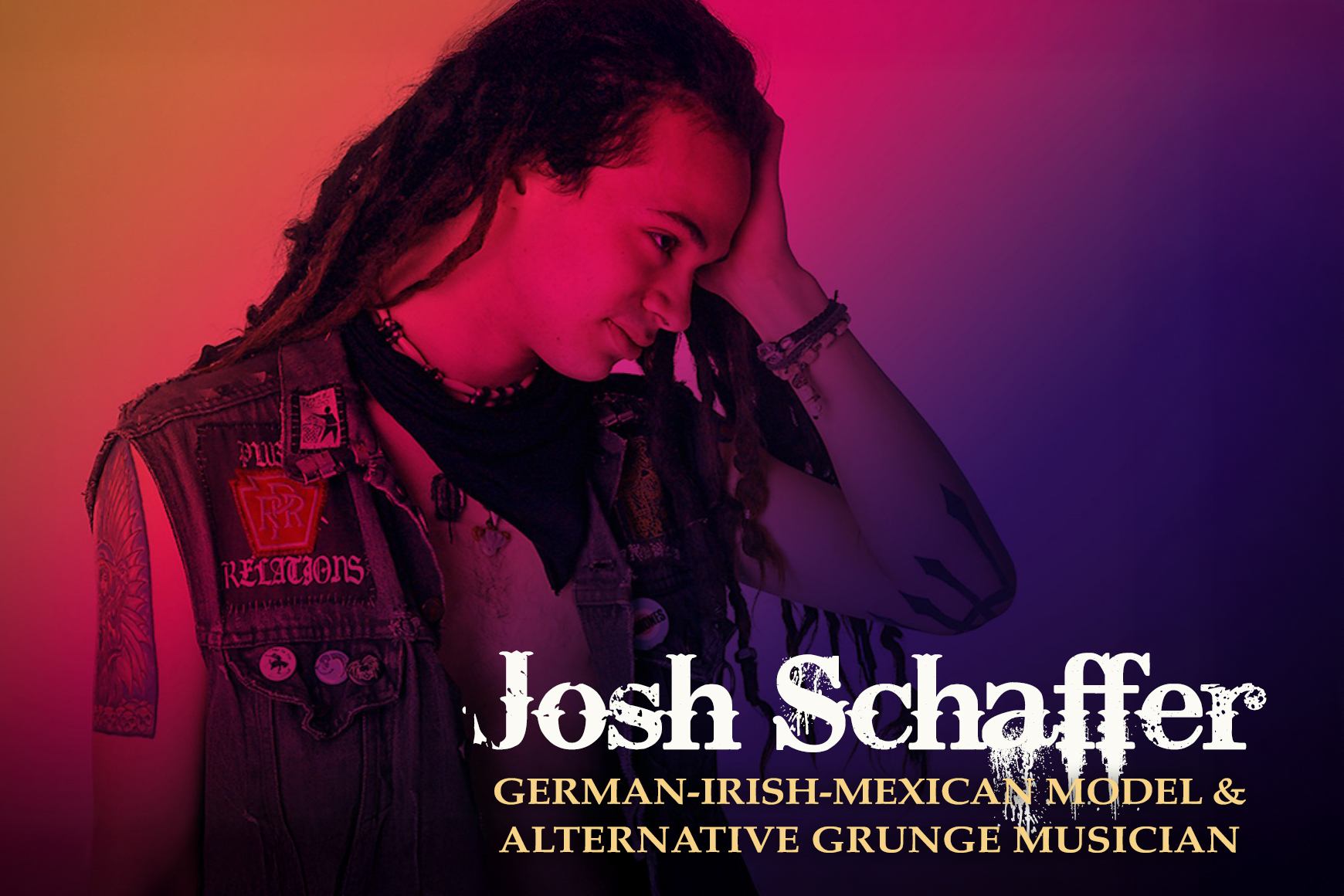
German-Irish-Mexican Model, Josh Schaffer
Josh was an expressive model with a rugged, artistic personality. The retouching intentionally preserved natural skin texture and many of the imperfections that supported his outdoorsy, adventure-seeking, grunge-musician persona, while also exploring several different colour and finishing treatments.
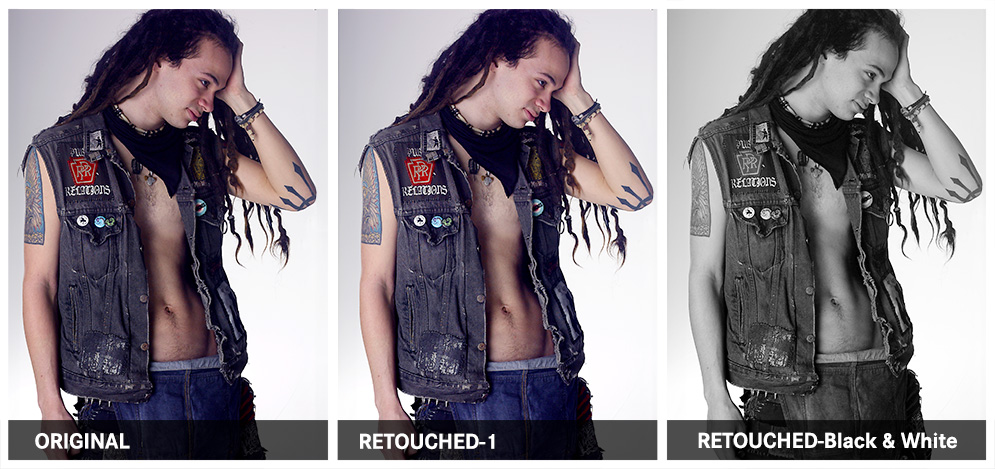
What Was Done
PHOTOGRAPHY AND RETOUCHING DONE BY GISELLE WHITE OF WEBPHOTOGRAPHIX