
From Capture to Final Image
Photo Retouching
Here’s where the magic happens. Skin is refined, color is balanced, distractions disappear, and the strongest parts of the photograph come forward. Some images need a light touch. Others need a full transformation. The result should feel polished, intentional, and completely believable.
Photo Retouching
East Indian Student, Pavati
Pavati was initially shy, but once comfortable she became expressive and brought culture-inspired poses to the session. Because of her fair skin tone, the lighting needed careful control to avoid blown highlights or an overly yellow cast. Retouching added warmth to the skin and removed minor blemishes.
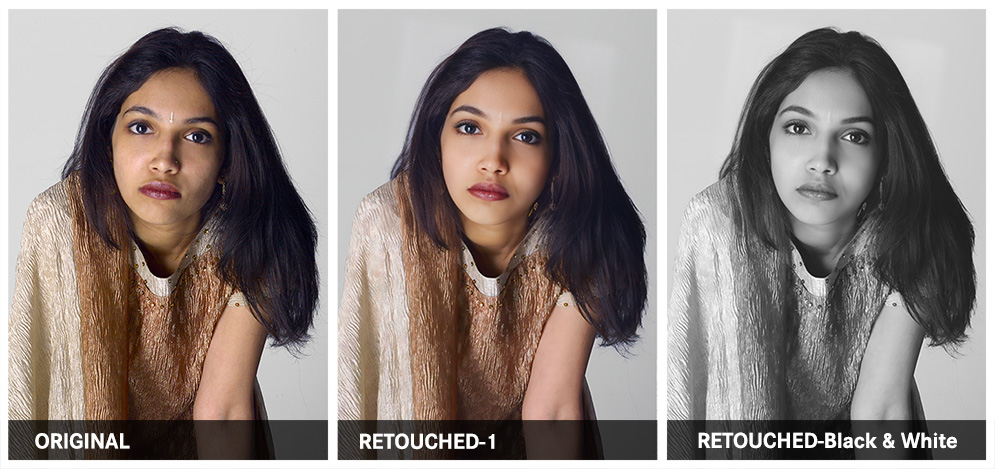
What Was Done
PHOTOGRAPHY AND RETOUCHING DONE BY GISELLE WHITE OF WEBPHOTOGRAPHIX